
Steps to Connect the Prompt.io and Nucleus Integration
How to Access API Key Token in Prompt.io
1.
Login to Prompt.io.
2.
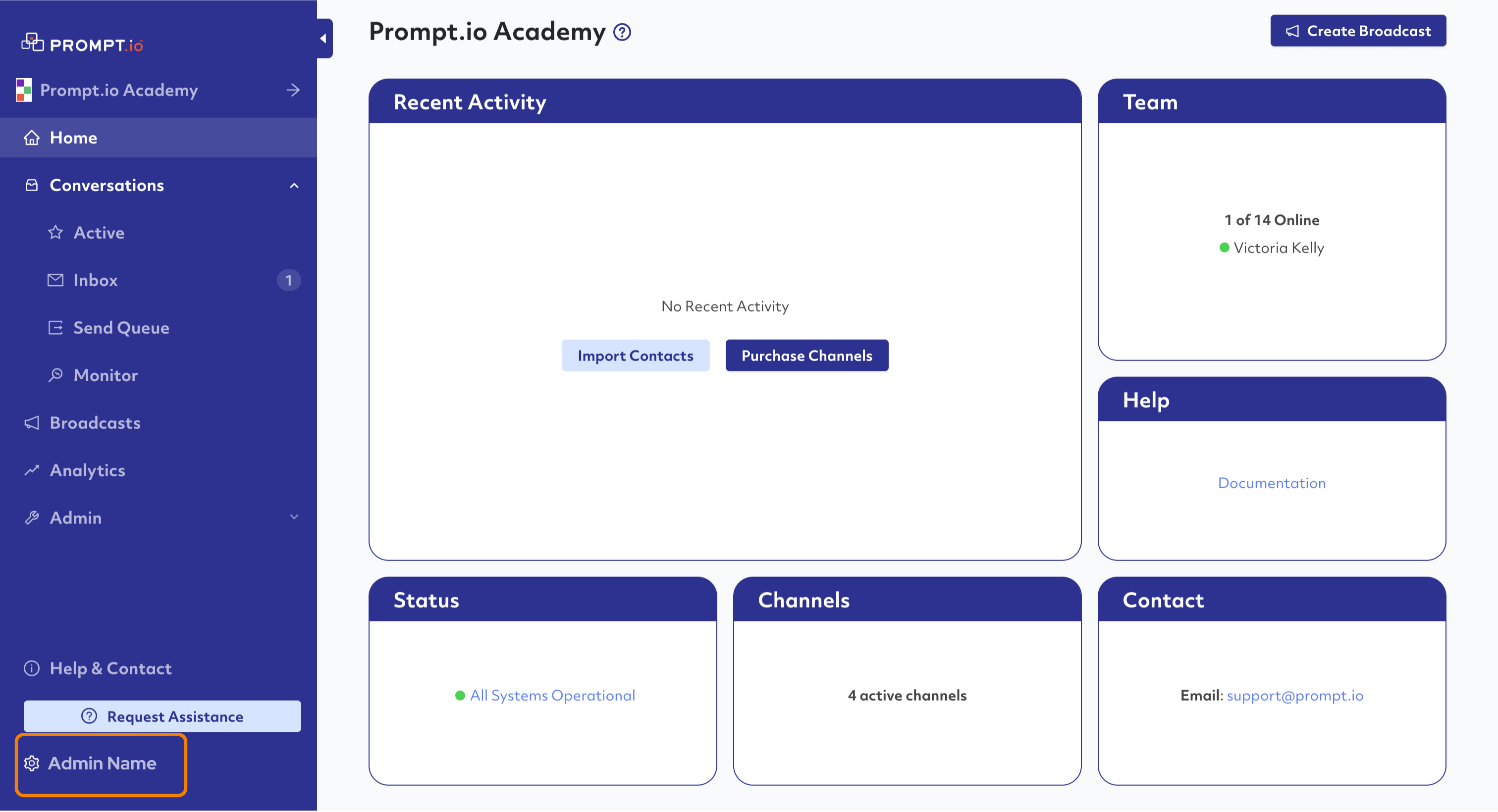
In the Admin Panel, go to the bottom left corner and click on your name.
3.
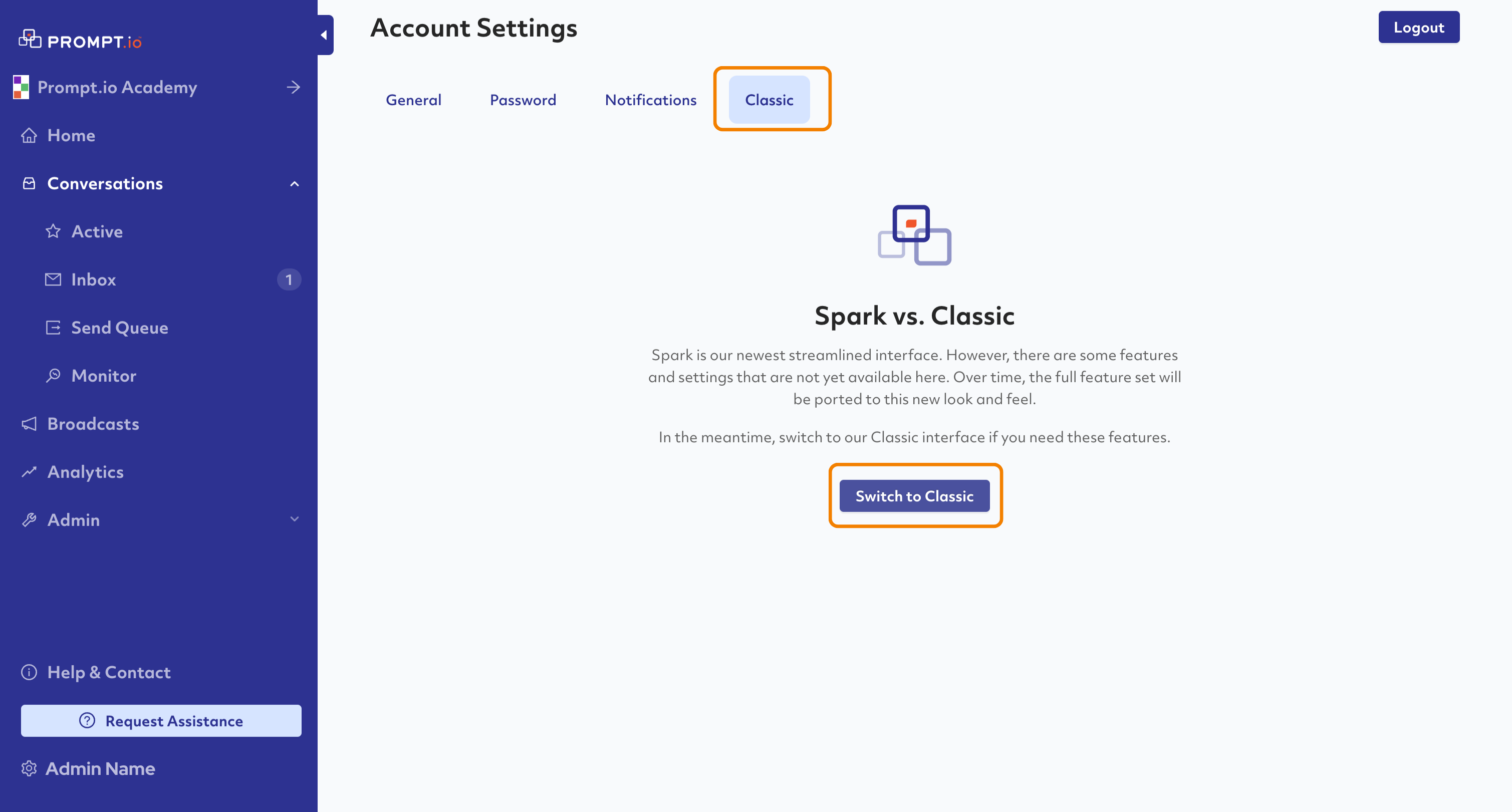
Go to the Classic Tab and click Switch to Classic.
4.
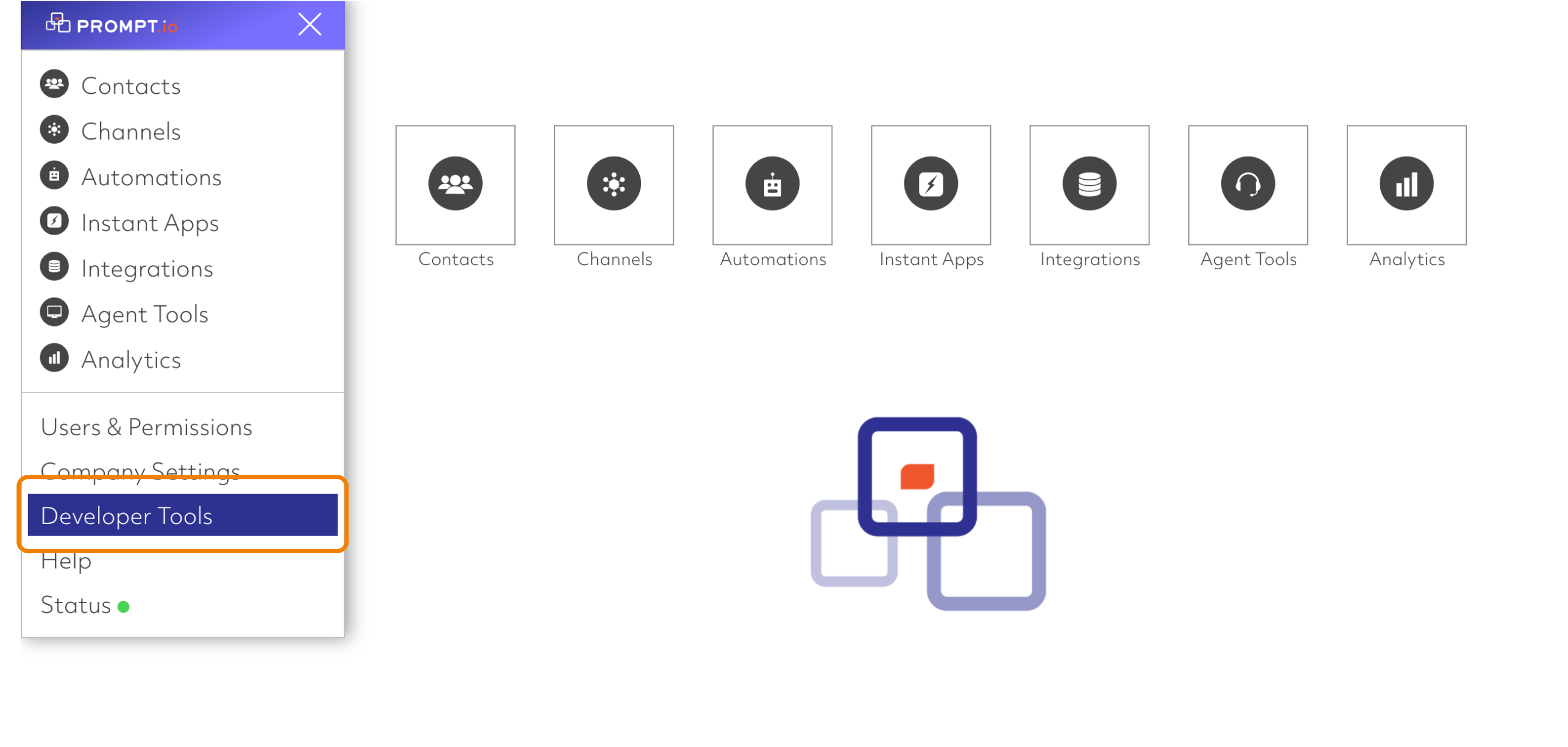
Click the menu in the top left corner.
5.
Click on Developer Tools.
6.
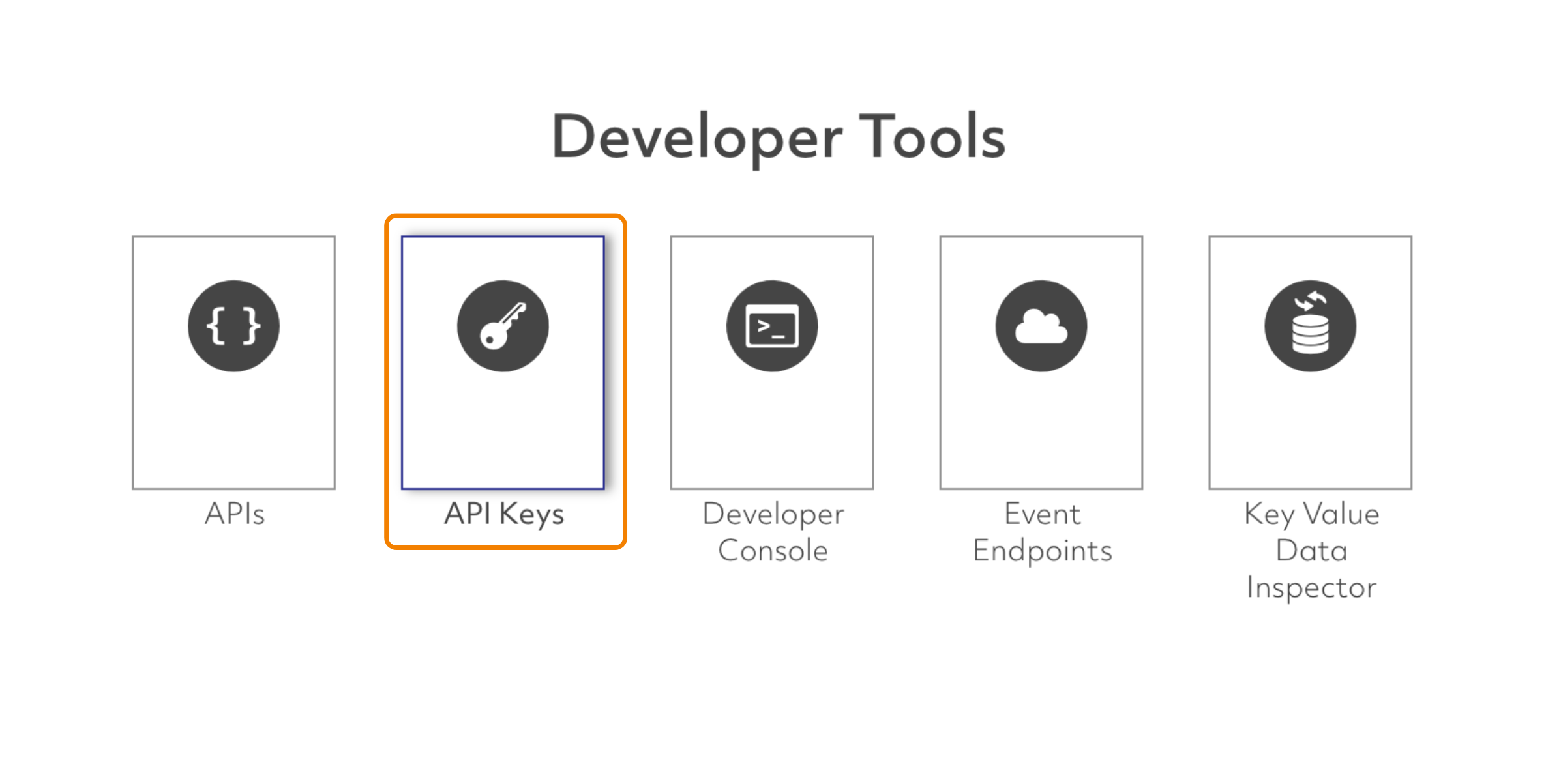
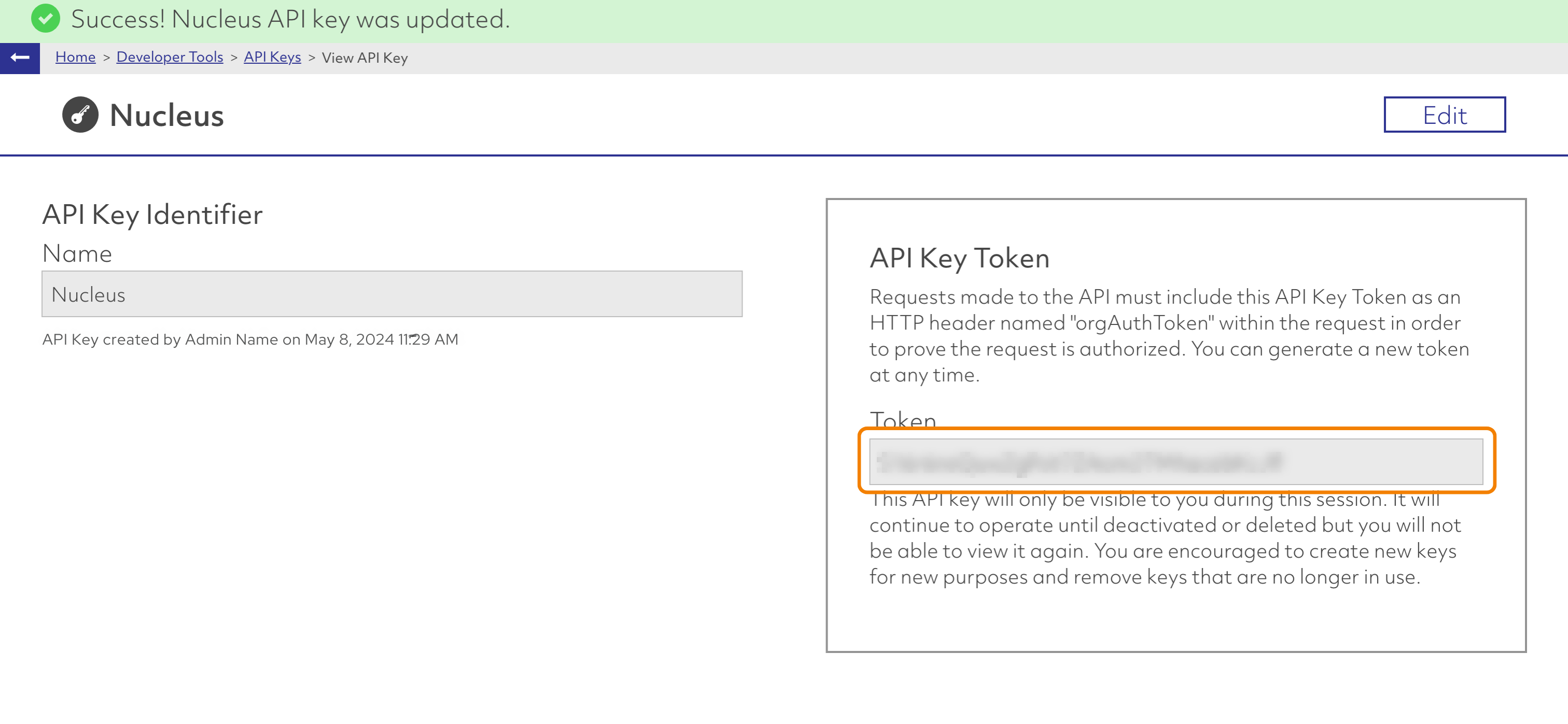
Click API Keys and click Add API Key.
7.
Name the new API Key.
8.
Now that it is created, copy the token generated in the right side menu.
How to Integrate Your API Key Token in Nucleus
1.
Login to Nucleus.
2.
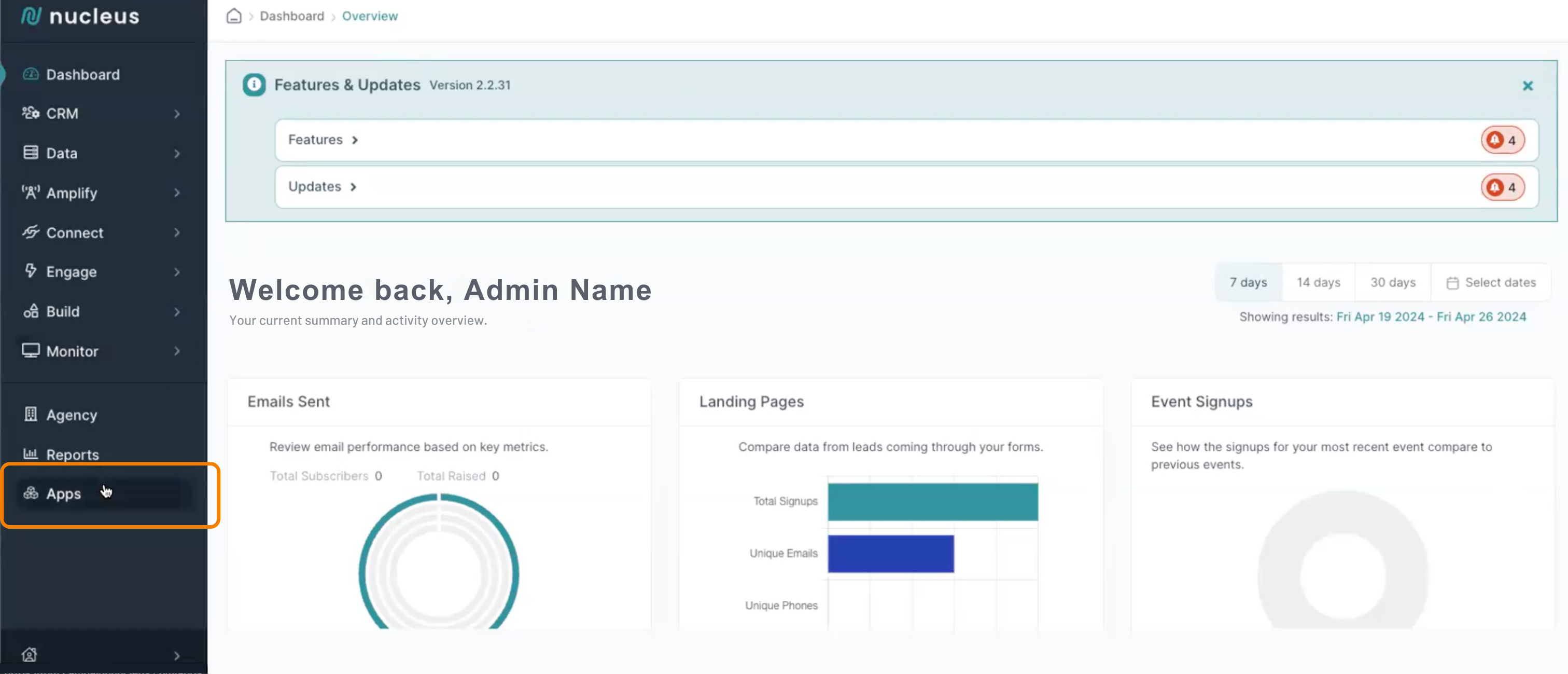
In the left-hand menu, go to the bottom and click Apps.
3.
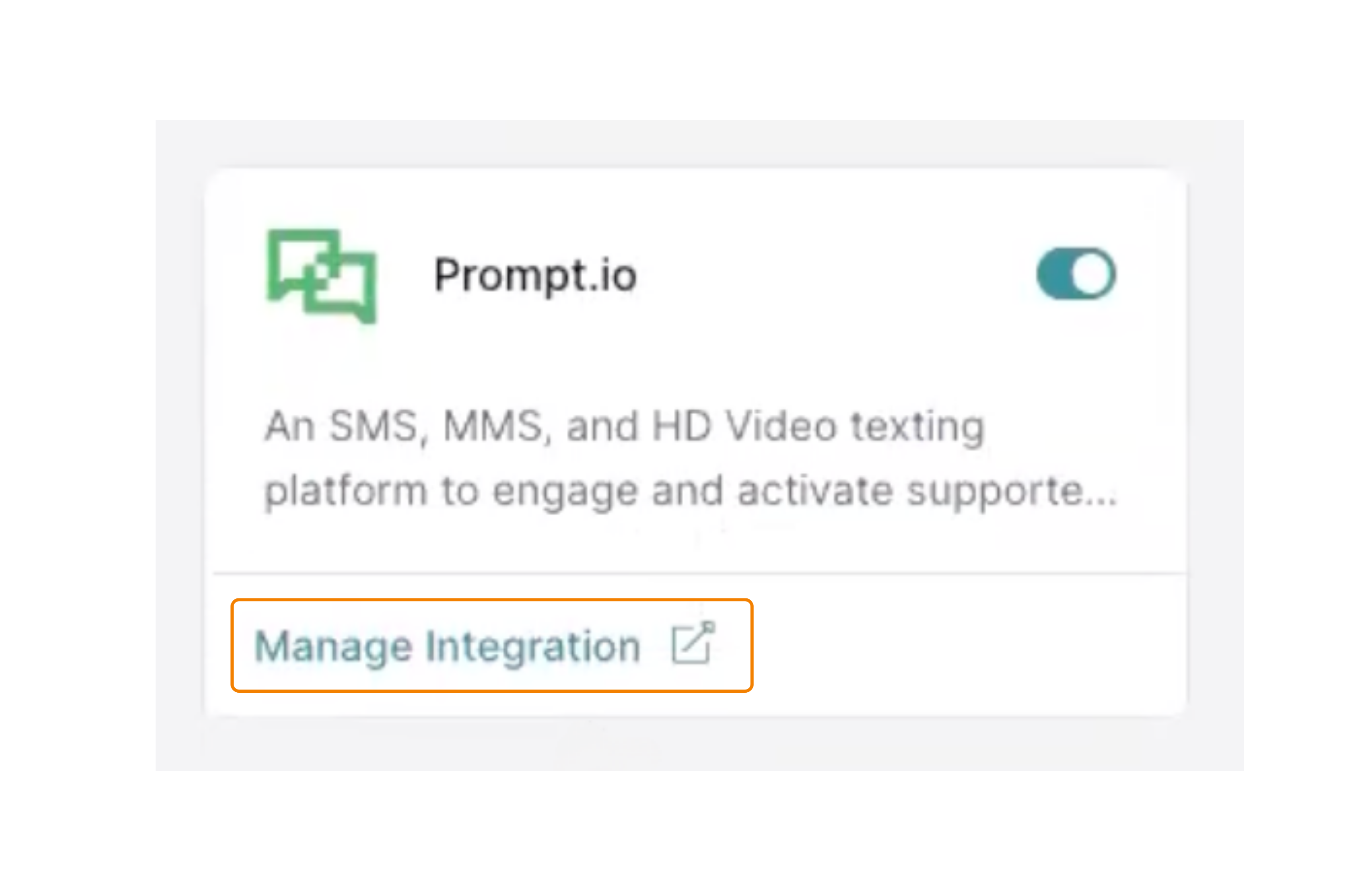
In the Apps Menu, use the “Messaging” category and locate the Prompt.io integration.
4.
Turn on the Prompt.io integration with the toggle button in the right and click Manage Integration to open up the app information panel.
6.
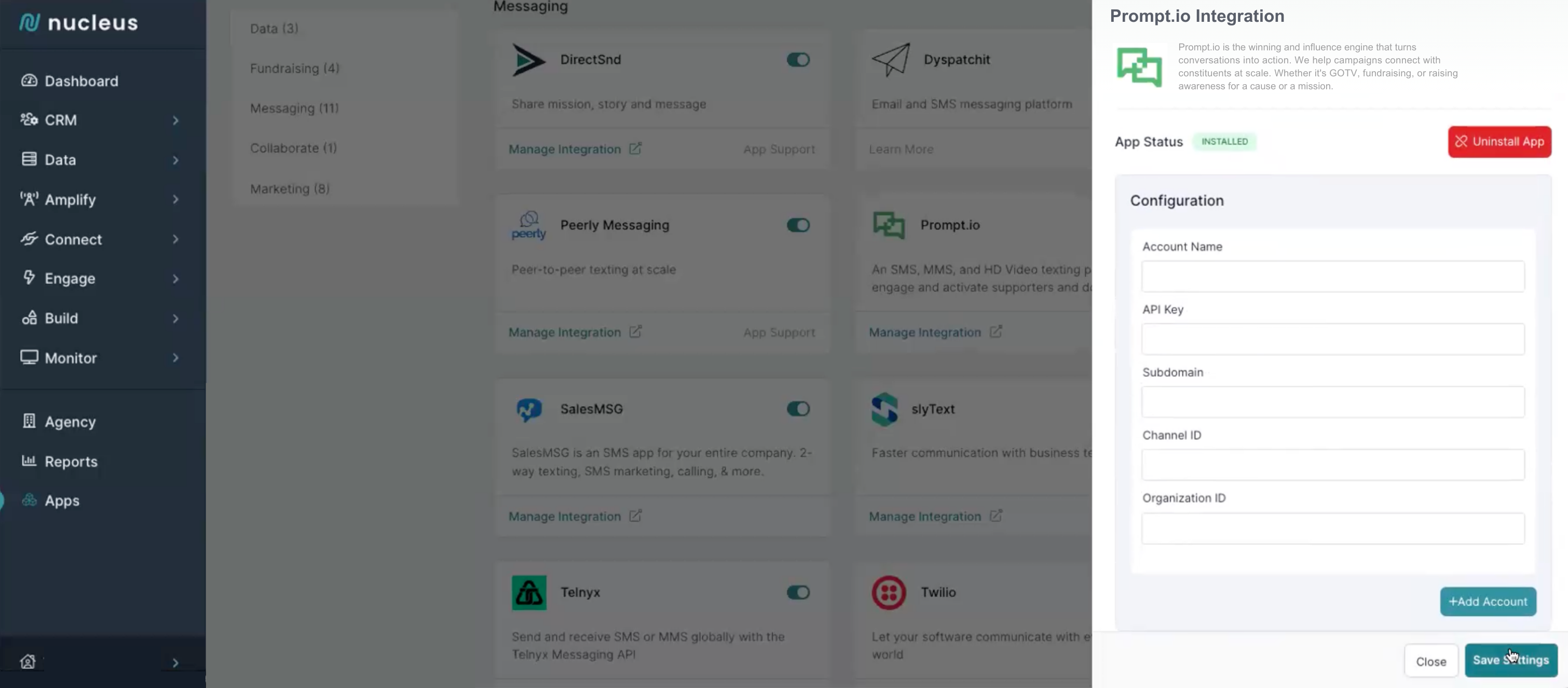
In the Configuration fields, add your account information and in the API Key field, paste the API Token from Prompt.io.
7.
Save your settings.